
ADVERTISEMENT

ADVERTISEMENT
Microsoft Authenticator stands out for secure sign-ins across finance portals, SaaS dashboards, and subscription accounts where strong account protection matters.
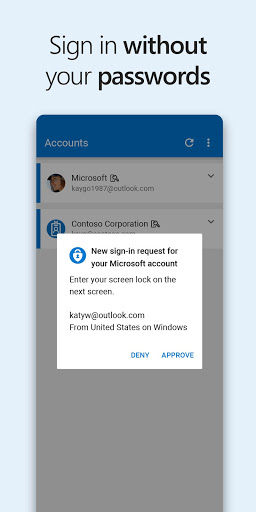
As a reviewer, the setup experience feels guided: you choose multi-factor authentication or passwordless, then confirm sign-ins through your phone.
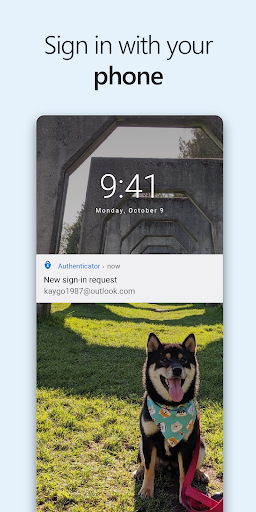
For MFA and 2FA, the flow is simple: enter your password, then approve the push notification or enter a time-limited OTP code.
The 30-second OTP timer reduces repeated code reuse risk, which is useful for high-value logins like payment portals and banking integrations.
From a usability perspective, the app is quiet when it works, since OTP can generate without needing a network connection and without draining the battery heavily.
For passwordless sign-ins, the reviewer experience improves for subscription users: enter your username, approve on your phone, and rely on biometric or PIN.
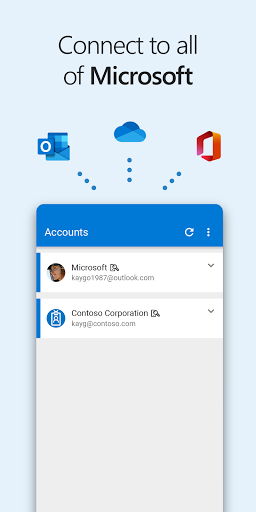
The app’s account management also supports non-Microsoft services, including major identity ecosystems used by enterprises and teams.
If your organization uses identity policies, you can register the device for work or school accounts and streamline access to Outlook, OneDrive, and Office.
Single sign-on behavior is a meaningful benefit: once your identity is verified on the device, you avoid repeated logins across connected Microsoft apps.
Optional permissions are clear and consent-based, which helps reviewers evaluate privacy posture before granting location, camera, or storage access.
1) Secure MFA and 2FA options fit both consumers and high-trust enterprise services, combining password checks with phone-based approvals or OTP codes.
2) OTP codes use a short countdown window, supporting safer sign-in patterns for account recovery and payment-related workflows.
3) Passwordless sign-in reduces friction for subscription and SaaS users by replacing repeated passwords with a fast approval step.
4) Multi-account support helps teams manage Microsoft personal, work, and school accounts alongside popular non-Microsoft platforms.
1) Push approval requires device availability, which can be uncomfortable if you lose your phone or travel without reliable access.
2) OTP entry adds a second step, and for some users it can feel slower than hardware security keys for certain high-frequency logins.
3) Certificate-based sign-in and single sign-on behavior depend on organizational configuration, so results vary between workplaces and tenants.
4) Optional permissions like location and camera may require extra justification in tightly managed environments, even when used only for specific tasks.
1) Improved account setup flow for multi-factor authentication and passwordless experiences, aiming to make onboarding more consistent across devices.
2) Refinements to OTP reliability and timing behavior, keeping one-time password handling aligned with the short validity window.
3) Enhanced support for work and school registration patterns, including smoother device trust establishment for enterprise access.
4) Continued updates to optional access permission prompts, reinforcing user consent expectations for camera-based QR scanning and issue reporting diagnostics.


